Scripts
ds-santaclausevent


Requirements
- QBCore / Qbox / ESX
- OneSync Infinity
- Server v7290 or newer
Overview
# ds-santaclausevent
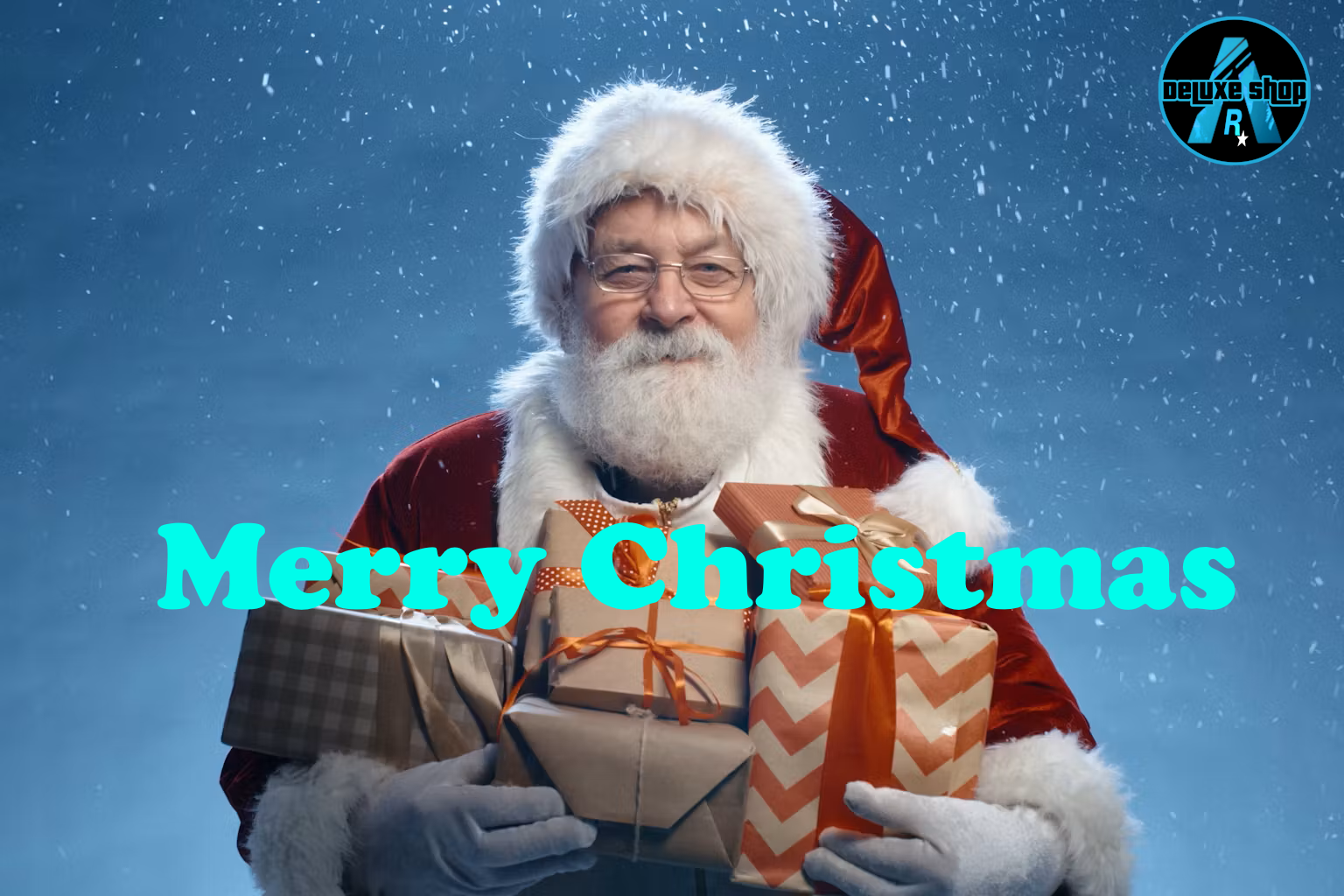
QBCore/ESX Santa Claus event
## What it does
- Spawns an aggressive Santa Claus NPC at configurable locations and intervals.
- Adds an optional blip on the map when Santa Claus spawns.
- Rewards the player who kills Santa Claus (cash + optional item).
- Admin whitelist system to manually spawn Santa Claus.
- Cooldown system for auto-spawns with admin commands to enable/disable.
- Client notifications are framework-aware (supports QBCore, ESX, ox_lib, okokNotify, and chat fallback).
## Installation
1. Drop the `ds-santaclausevent` folder into your server's `resources/` directory.
2. Add `ensure ds-santaclausevent` to your `server.cfg`.
3. Restart your server.
## Admin Commands
- `/spawnsantaclaus` - Manually spawn Santa Claus (admin only)
- `/santa_check_admin` - Check if you are admin or not
- `/santa_cooldown_on` - Enable auto-spawn cooldown
- `/santa_cooldown_off` - Disable auto-spawn cooldown
- `/santa_cooldown_status` - Check the current cooldown status
## Configuration
- `Config.SantaClausModel` – Change to a custom Santa Claus ped model if desired.
- `Config.SpawnLocations` – Add/remove coordinates for Santa Claus spawn points.
- `Config.Despawn.Time` – Time in minutes before Santa Claus despawns automatically.
- `Config.Cooldown.Enabled` – Set to `true` to enable cooldown between auto-spawns.
- `Config.Cooldown.Time` – Cooldown duration in minutes.
- `Config.SantaClausStats` – Customize Santa's health, accuracy, combat behavior, and aggression.
- `Config.NotifySystem` – Force a notification system (`ox`, `okok`, `qb`, `esx`, or `chat`) or leave `"auto"` to detect automatically.
## Notes / Tips
- Make sure your admin Discord IDs are added in `Config.IsAdmin`.
- Client notifications now use a unified system via `ClientNotify()` for consistency.
- Works with both QBCore and ESX frameworks; standalone mode is also supported.